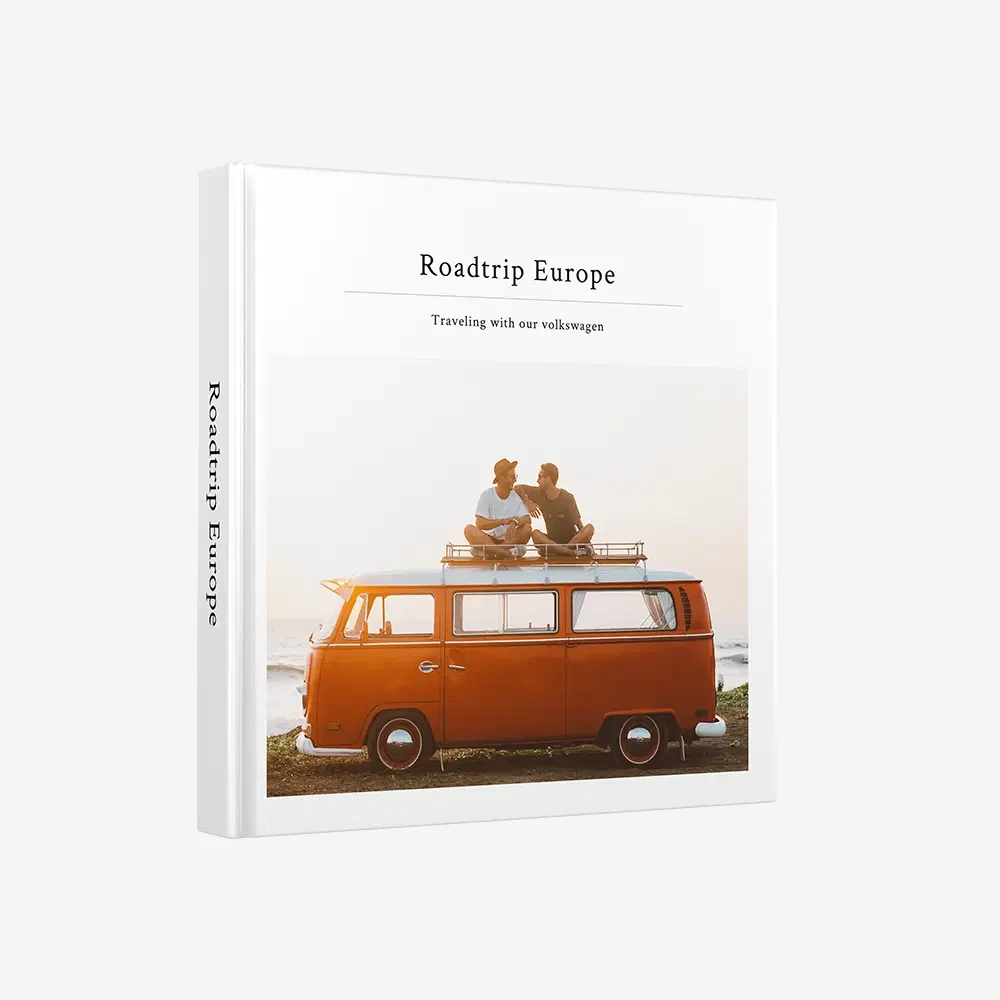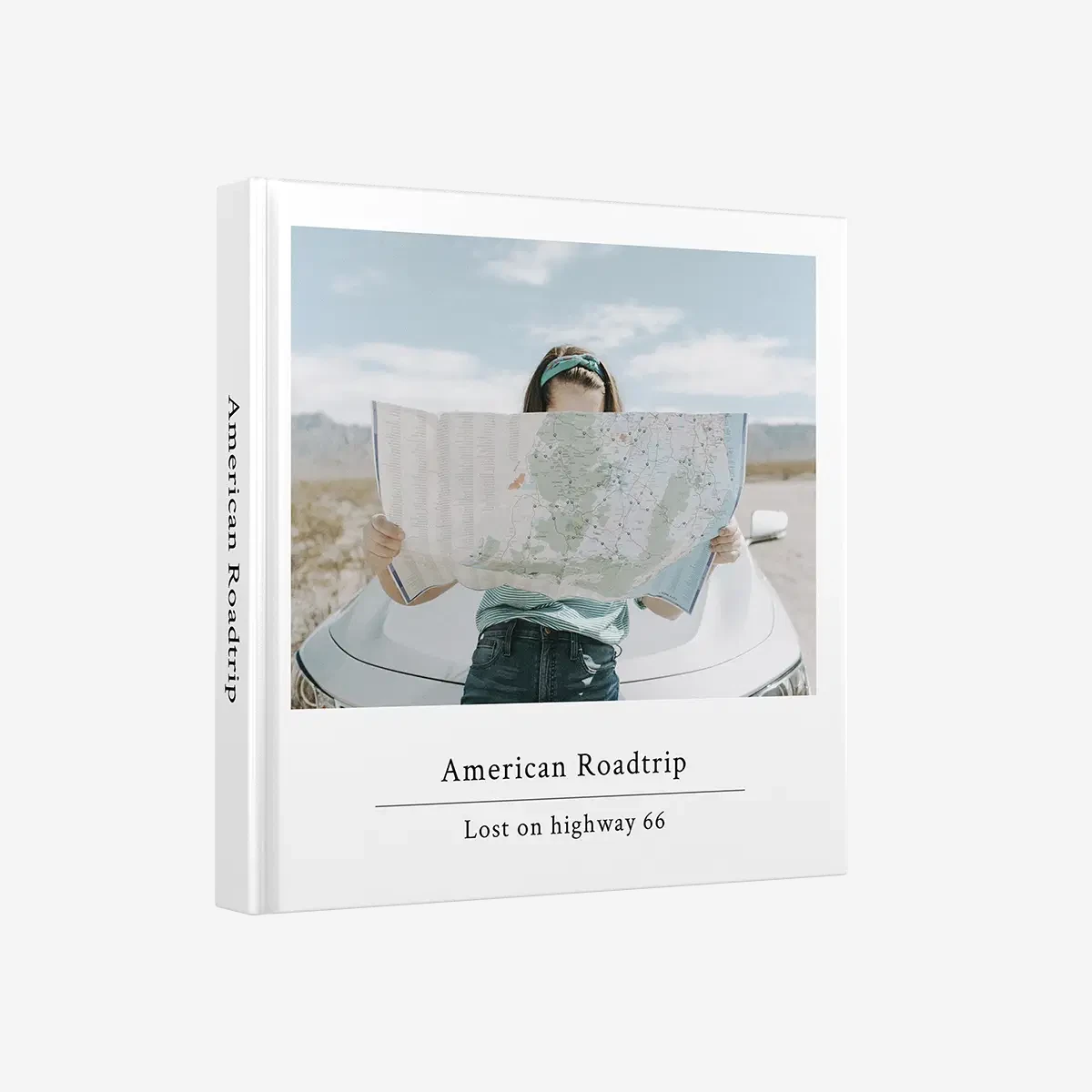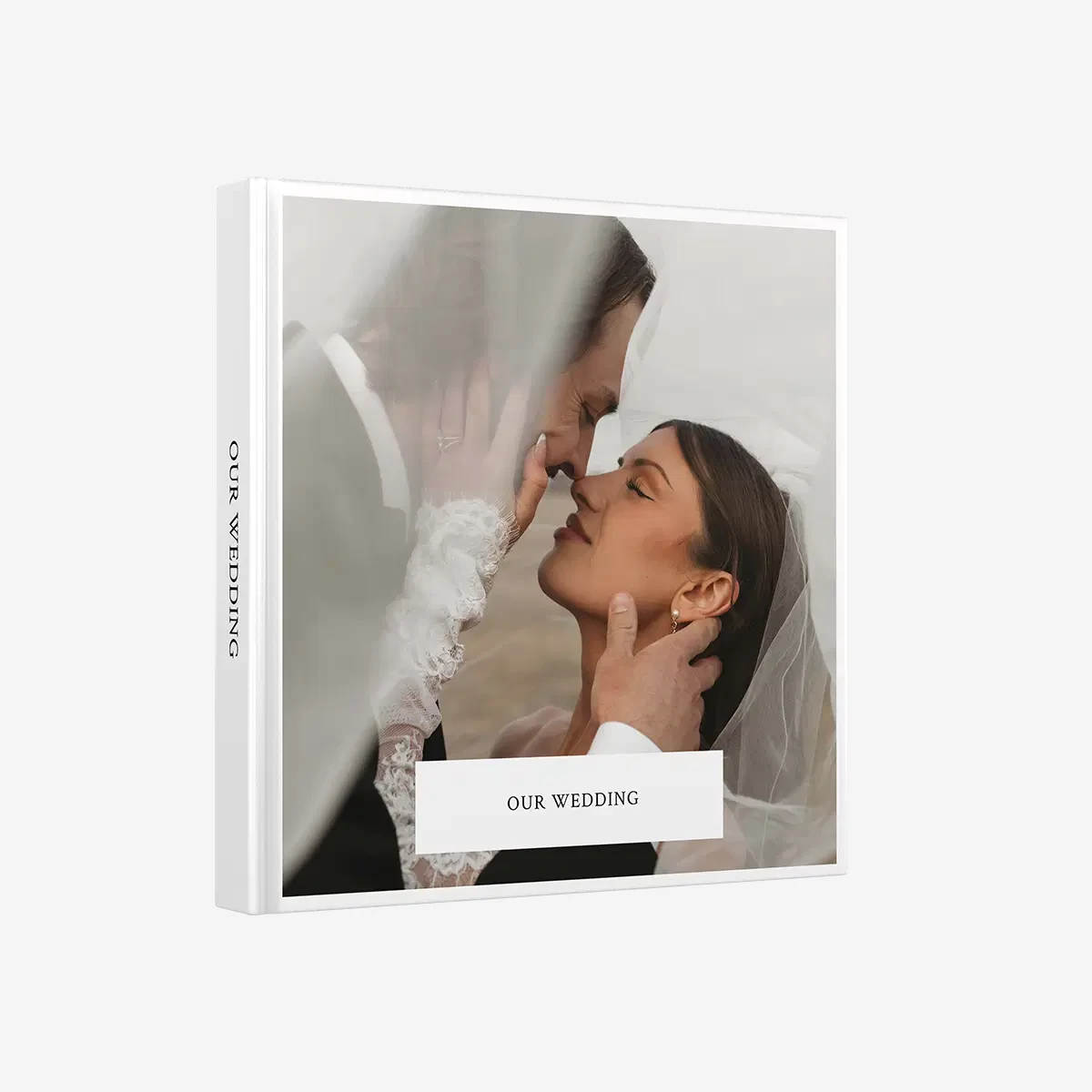
Yes, phone photos printed in a klikkie photo book look sharp. A modern phone takes photos of 12 megapixels or more, enough for a sharp full page in a Large book and still good across an XL page. On matte paper the colours look calmer and more natural than on a bright screen.
Key Takeaways
Phone photos printed on paper often look better than they ever did on your screen, and klikkie makes it easy to see that for yourself. A modern phone takes more than enough pixels for a sharp page, and matte paper gives calm, natural colours. On your phone a photo is one of thousands, small and gone with a swipe. Printed, the same photo suddenly feels like a moment. Here is why, and how to make sure yours look their best.
Are phone photos good enough to print?
Yes, almost every photo from a modern phone is good enough to print. Phones take photos of 12 megapixels or more, about 4,000 by 3,000 pixels. That is plenty for a photo book page, even a big one.
What decides the result is not so much the phone as the photo itself. A sharp, well lit original prints beautifully. A blurry, heavily zoomed or compressed copy does not get better on paper. So the real question is less “is my phone good enough?” and more “is this the original photo?”.
How much resolution do you need for a sharp page?
For a sharp print you want around 300 pixels per inch, and a 12 megapixel phone photo gets there on most pages. Pixels per inch simply means how many dots of your photo end up in every inch of paper. The more dots, the finer the details. This is what a 12 megapixel phone photo gives you on a full page in each klikkie size.
- Pocket, 10.2 × 10.2 cm. Any phone photo is more than enough.
- Large, 21 × 21 cm. A full page prints at well over 300 pixels per inch.
- XL, 29.4 × 29.4 cm. A full page comes out around 260 pixels per inch, sharp at normal reading distance.
That reading distance matters. You hold a photo book on your lap or on the table, not with your nose against the page. At that distance your eyes cannot tell the difference. If you are looking for the best photo book service for your phone photos, this is good news, because every klikkie size works with the photos you already have. Not sure which size suits you? Read photo book sizes explained.
Why do phone photos printed on paper look calmer than on a screen?
Because a screen gives off light and paper reflects it. Screens look bright and saturated, a bit like a lit shop window. Prints look calmer and softer, which is why many people find them more natural. Skin looks like skin, and a grey sky looks like a grey sky.
klikkie books are printed on premium matte paper. Matte means no glare, so you can look at a page under a lamp or next to a window without a shiny reflection in the way. The colours stay calm, and the photo feels closer to the moment you remember than to the screen you took it on.
Which photos print best?
Sharp originals taken in good light print best. A few simple habits make a big difference.
- Originals from the camera roll. WhatsApp makes photos smaller when you send them, so ask for the original.
- No heavy zoom. Digital zoom throws away pixels, so step closer instead.
- Daylight. Photos taken in good light stay sharp and clean on paper.
- Not screenshots. They have the size of your screen, not of a photo.
- A clean lens. A quick wipe of the camera lens prevents a soft, hazy look.
Got lovely photos from a group chat? Ask whoever took them to share the originals. That one small step shows on a big page.
How do you turn your sharpest photos into a photo book?
Add them to klikkie and let it create a photo book with those sharp pictures for you. Sharp phone photos deserve more than a folder. The easiest way to create a photo book that shows them at their best is to let klikkie do most of the work.
- Add the photos straight from your phone. The whole album is fine.
- klikkie picks the sharpest shots, with open eyes and the best smiles. You decide what stays.
- klikkie builds the book with a cover, pages and captions, in about 2 minutes once your photos are in.
- Give your best photo a full page, choose Large or XL for the biggest prints and order.
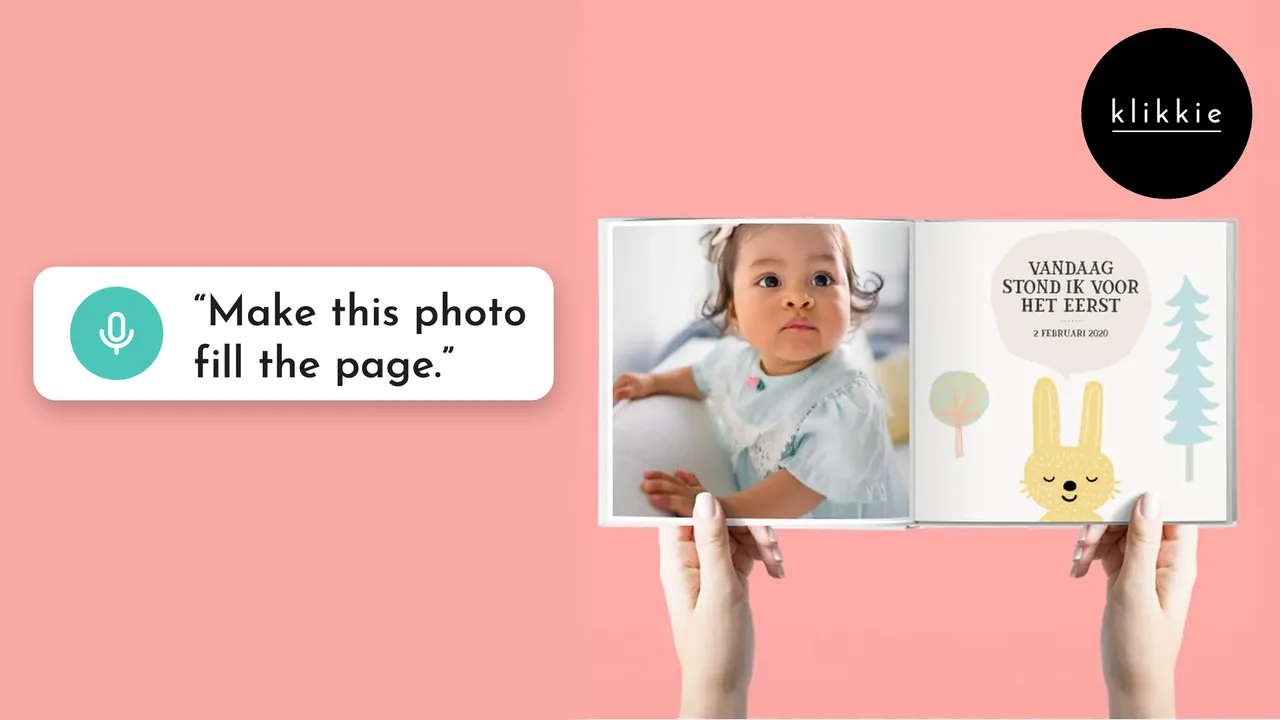
Prefer to talk? Say “make this photo fill the page” and it runs to the edges. See how making a photo book by voice works.
Why print your photos at all?
Because printed photos get looked at. A book on the table is picked up by everyone who walks past, a camera roll is not. Kids leaf through it, grandparents point at faces, friends ask where that beach was. klikkie has helped more than 360,000 people turn their phone photos into something they can hold.
Clearing out your camera roll first? Here is how to clean up 5,000+ photos. And once your book or prints arrive, read how to store printed photos so they stay beautiful.
How long does it take?
About 2 minutes once your photos are in. Adding them is the only real step. klikkie then picks, arranges and writes, and you check the result before you order. Books start at €14, see all klikkie photo books.
What people say about klikkie
4.6 from more than 3,400 reviews in the App Store, Google Play and on Google.
“… On lovely paper where the colours were just like the originals, the details razor sharp. …”
Ron M. · Google Play, January 2026 (translated from Dutch)
“Happy with the photo book again! It was sent quickly and the quality is very good. And if something ever isn’t quite right, it’s solved quickly and neatly. Really recommended!”
Mevr. Keuze · App Store, February 2026 (translated from Dutch)
“Lovely little photo book to give as a gift or as a memory for yourself”
Wendy D. · Google Play, February 2026 (translated from Dutch)
“Very user friendly and fast delivery! The book turned out really beautiful”
Folkert D. · Google Play, January 2026 (translated from Dutch)
“The book looks really good, lovely colours, and was easy to put together.”
Jacques H. · App Store, May 2026 (translated from Dutch)
“Easy to put a photo book together, and the photos in the 10 x 10 cm book are incredibly clear and sharp”
Christel B. · Google Play, November 2025 (translated from Dutch)
 FAQ
FAQ