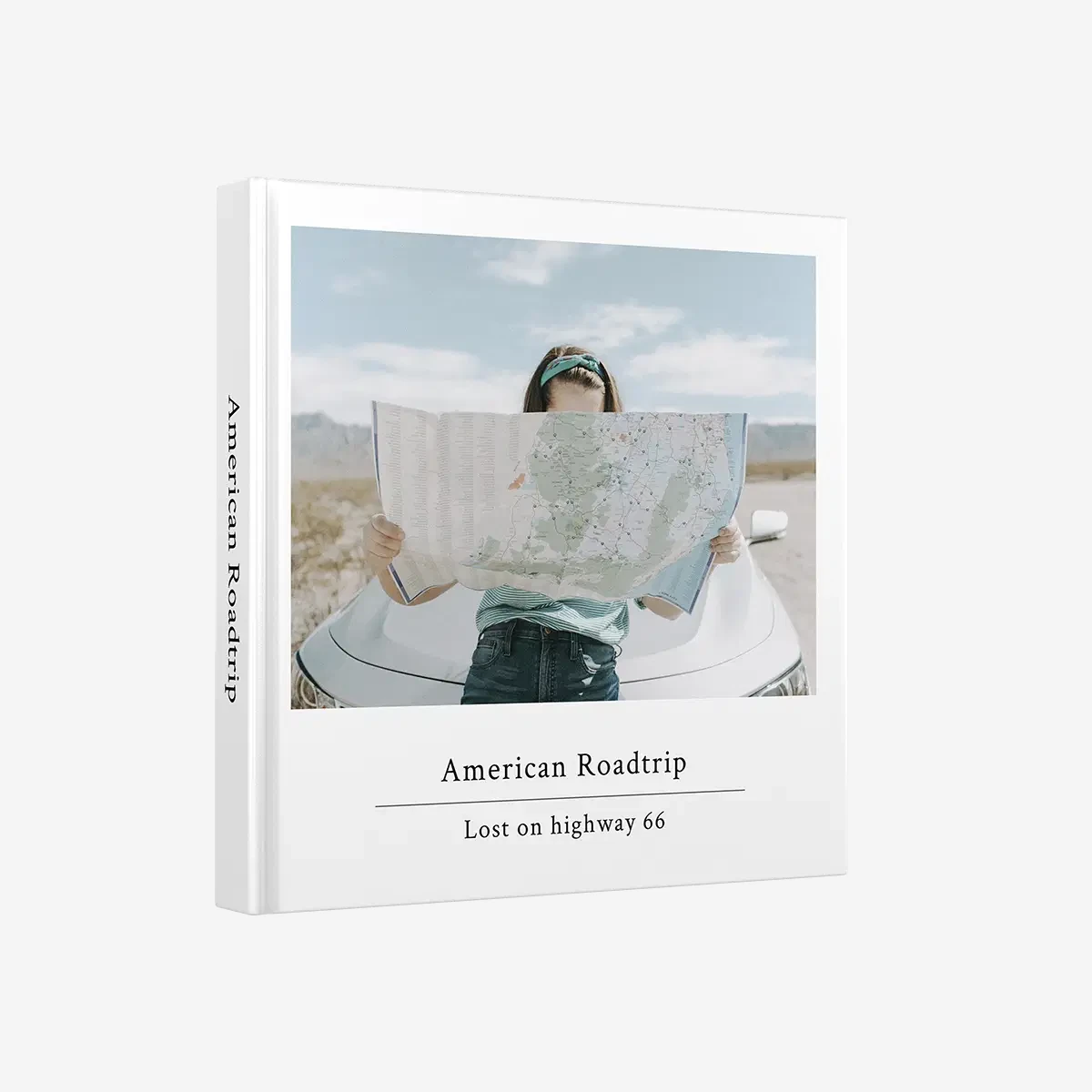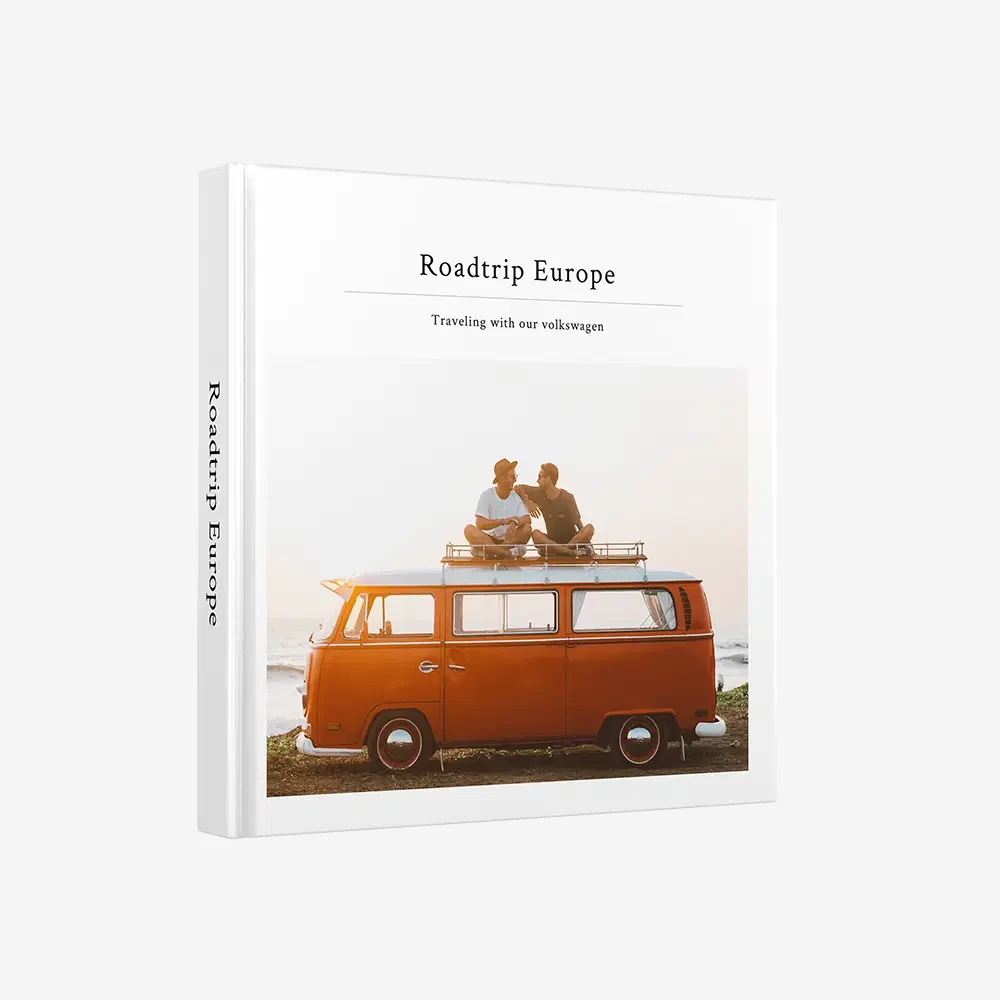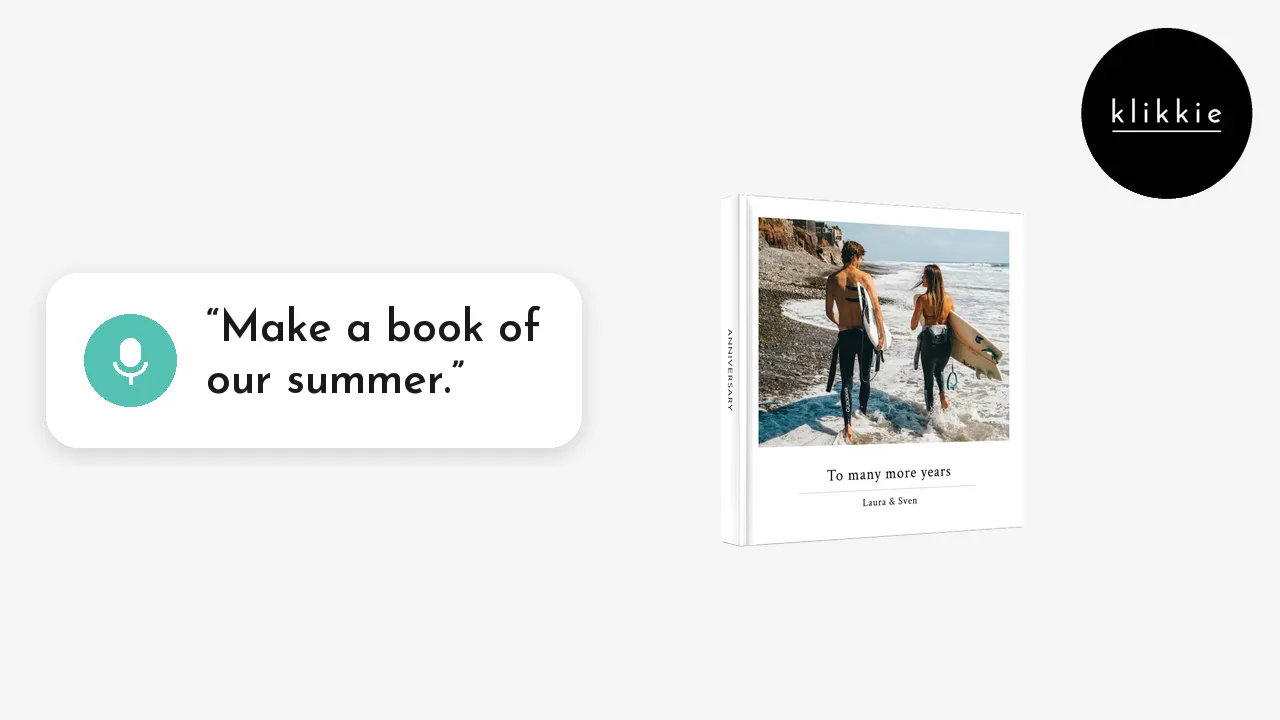
You can make a photo book on your computer at books.klikkie.com, with no software to install. klikkie agent picks your best photos, designs the pages and writes the captions in about 2 minutes once your photos are in. A Large hardcover is €32 at checkout with 20% off.
Key Takeaways
Key facts. Works in your browser at books.klikkie.com · Large 21 × 21 cm hardcover from €32 at checkout with 20% off · XL 29.4 × 29.4 cm hardcover €44 at checkout · ready in about 2 minutes once your photos are in · delivery within 7 business days in the Netherlands
Your phone is great for taking photos. For looking at forty pages side by side, a bigger screen is just nicer. Here is how to make a photo book on your laptop or desktop, and how to get your photos there first.
Can you make a photo book on your computer?
Yes, you can make a photo book on your computer at books.klikkie.com, in the browser you already use.
There is nothing to download or install. klikkie agent works the same way in the browser as in the klikkie app. It picks your best photos, designs the pages and writes the captions with you.
Why make a photo book on a laptop instead of your phone?
A laptop gives you a bigger screen to check every page, and a keyboard for longer stories. Many people use both, depending on the moment.
- You see more. A whole spread fits on the screen, so it is easier to spot a blurry photo or a page that feels too full.
- Your older photos are there. Photos from a camera, a scanner or an old phone often live in a folder on your computer.
- Writing feels easier. If you want to write a longer story for each page, a keyboard helps.
- You can take your time. Make it at the kitchen table one evening, with a cup of tea, and finish it another day.
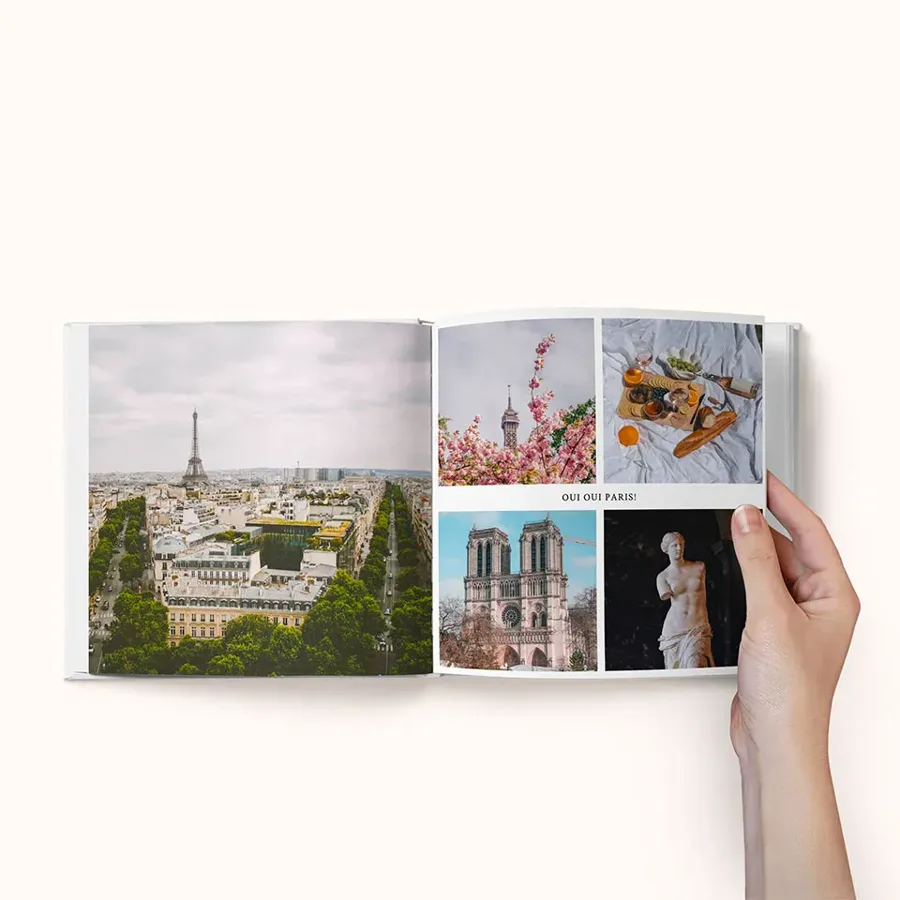
Prefer your phone after all? Then follow our guide on how to make a photo book with klikkie in the app.
How do you get your phone photos onto your computer?
The easiest way is to let your photos sync to your computer, or to send them over with a cable.
- iPhone and Mac. Turn on iCloud Photos, or send a selection with AirDrop.
- iPhone and Windows. Use iCloud for Windows, or connect your iPhone with a cable.
- Android. Open Google Photos on your computer, or connect your phone with a cable.
A small tip before you start. Put the photos for your book in one folder on your computer, so you can add them all at once.
Thousands of photos on your phone? Start with a little clean-up. Our tips on how to organise the photos on your phone help. With klikkie you can also skip this step, because klikkie agent picks the best photos for you.
How do you make a photo book on your computer with klikkie?
You make a photo book on your computer in five steps, and klikkie agent does the design.
- Go to books.klikkie.com in your browser and choose a Large or XL photo book.
- Add your photos from a folder on your computer.
- Tell klikkie agent who the book is for and what the photos mean. Type it, or talk through your laptop's microphone.
- klikkie agent picks the best photos, designs the pages and writes the captions, in about 2 minutes once your photos are in.
- Go through every page on the big screen, change what you like and order.
A tip for the story. The more you tell klikkie agent, the more personal the captions get. For example, say "Make a book of our summer in Italy". Then add the names, the places and the little moments, like the first swim of the kids.
Your book is saved in klikkie, so you can stop halfway and carry on another evening.
Does it work on a Mac and a Windows PC?
Yes, klikkie works on a Mac and on a Windows PC, because it runs in your browser.
You only need an internet connection and your photos. Many people like a laptop for this, but a desktop with a big screen works just as well. The book you order is exactly the same as one made in the app. Large and XL are both hardcovers, printed on premium matte paper.
Which size should you choose on your computer?
Choose the Large for most books and the XL when your photos deserve a full page.
- Large photo book. 21 × 21 cm, hardcover, from €32 at checkout with 20% off. The classic size for a year, a trip or a gift.
- XL photo book. 29.4 × 29.4 cm, hardcover, €44 at checkout with 20% off. Big, bold pages for your best photos.
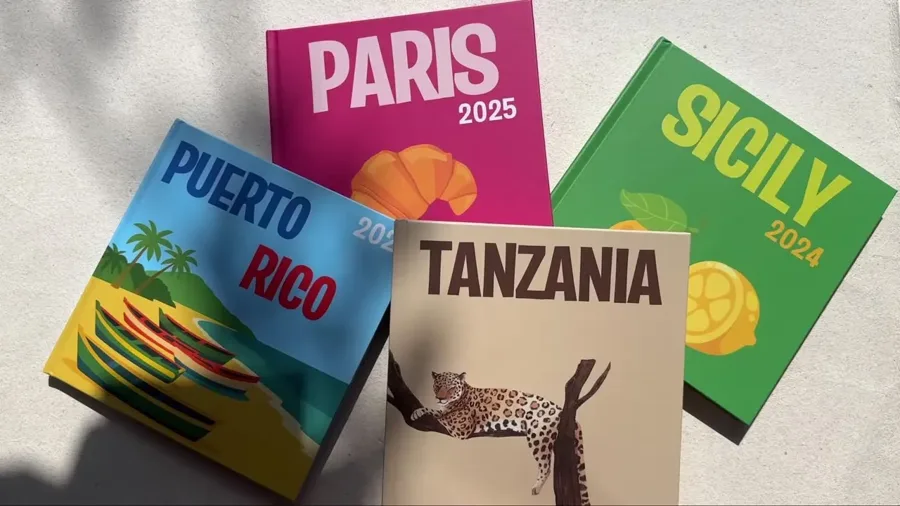
Both sizes start with the same number of pages and let you add more when you have more to tell. In the Netherlands your book arrives within 7 business days.
Read next
Your photos are ready. Open books.klikkie.com on your computer and let klikkie agent make your photo book in about 2 minutes.
What people say about klikkie
4.6 from more than 3,400 reviews in the App Store, Google Play and on Google.
“Made 2 books in size L. Very easy and from my phone. They are amazing. They look very professional. …”
translated from Dutch
“Great fun and very easy to make a lovely photo book with Klikkie... anyone can do it... A wonderful experience.”
translated from Dutch
“The book looks really good, lovely colours, and was easy to put together.”
translated from Dutch
“I think this is my 5th or 6th book. Very satisfied 😊 beautiful covers, lovely books and fast delivery. I’ll definitely order from Klikkie again 🤩”
translated from Dutch
 FAQ